Independent setup guides
From the box to your first print
Plain, step-by-step printer setup guides: unboxing, joining Wi-Fi, adding the printer on Windows 11, Mac and Chromebook, printing from iPhone and Android, scanning and sharing on a network.
Start with Wi-Fi setup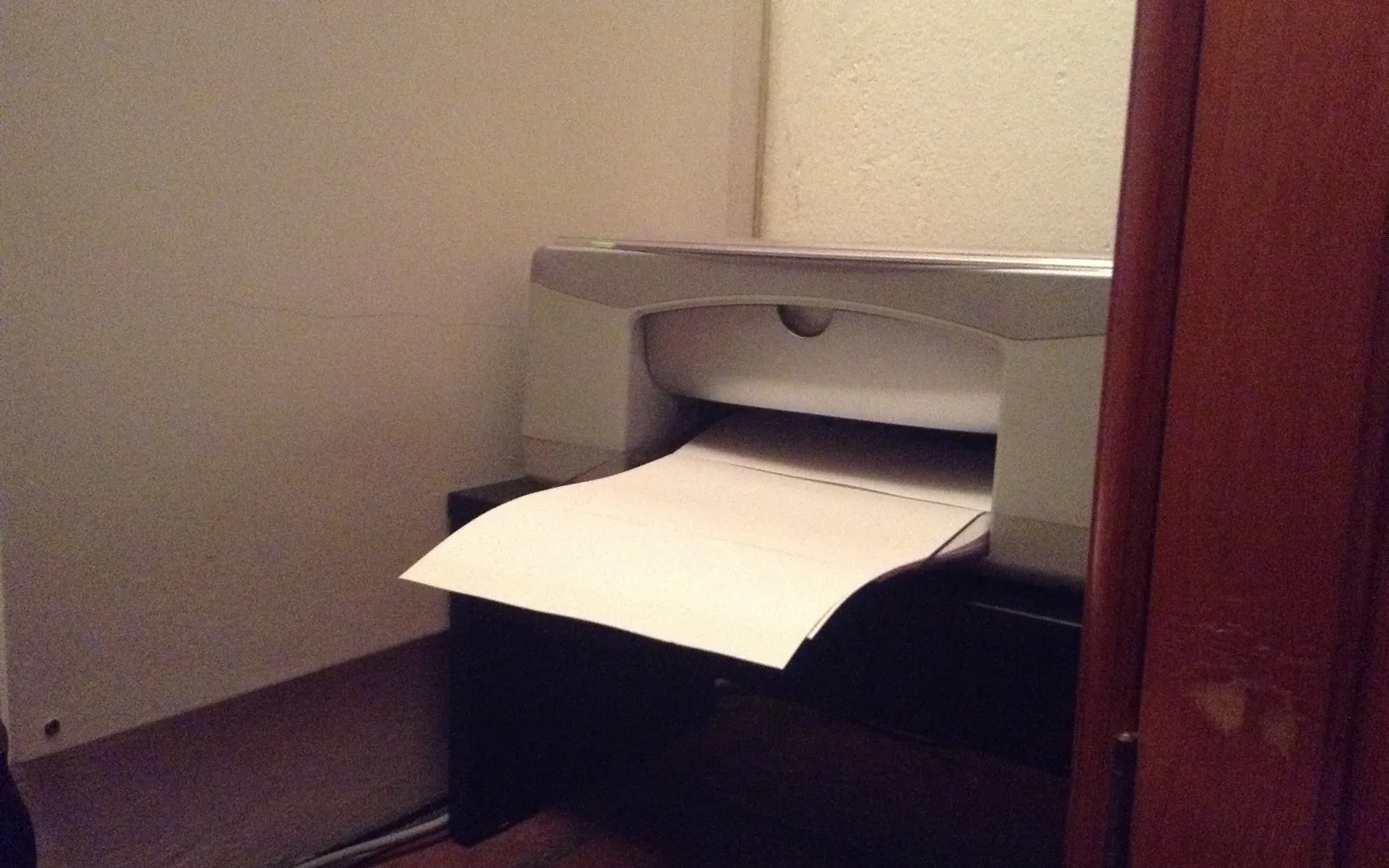
- 63
- Setup guides
- 3
- Languages
- 6
- Platforms covered
Start here

- 01 Add a Printer for All Users in Windows 11 and Windows 10How to add a printer for all users in Windows: why some printers show for one account only, local printers vs shared connections, and the printui /ga command.
- 02 Add a Windows Shared Printer in Linux with CUPS and SMBHow to add a Windows shared printer in Linux: share it on the PC, install smbclient, find the share name and create the CUPS queue with an smb:// address.
- 03 Bonjour Print Services for Windows: Add AirPrint PrintersHow Bonjour Print Services for Windows works, when Windows 11 does not need it, and how to add a network or Mac-shared printer with the Bonjour Printer Wizard.
Topics
Browse by subject
Step-by-step printer setup guides: unboxing, Wi-Fi, WPS and Wi-Fi Direct, adding a printer on Windows 11, Mac and Chromebook, iPhone and Android printing, scanning and sharing.
- 01Wi-Fi and networkConnect a printer to Wi-Fi with the control panel, WPS or Wi-Fi Direct, wire it with Ethernet, and share one printer with every device on your network.
- 02ComputersStep-by-step guides to adding a printer and scanner on Windows 11, macOS and ChromeOS, plus fixes for driver errors that stop a printer from installing.
- 03Phones and tabletsSet up printing from an iPhone or iPad with AirPrint and from Android with the built-in print service or Mopria, without extra apps where possible.
- 04First setup by modelUnboxing and first-time setup for a new printer, with independent walkthroughs for popular HP and Canon home models and their setup apps.
Latest guides
All guides
Setup only
We cover getting a printer working: unboxing, connecting, adding it to each device, scanning and sharing. Nothing else.
Current menus
Steps follow the menu names in current versions of Windows 11, macOS, ChromeOS, iOS and Android, and say where older versions differ.
Independent
We are not a printer maker or a support line. We never ask you to call us, and we link to the maker's own pages for drivers.