Guides indépendants
Du carton à la première impression
Des guides clairs pour connecter l'imprimante au Wi-Fi, l'ajouter sur Windows 11 et Mac, imprimer depuis un iPhone ou un Android et configurer le scanner.
Commencer par le Wi-Fi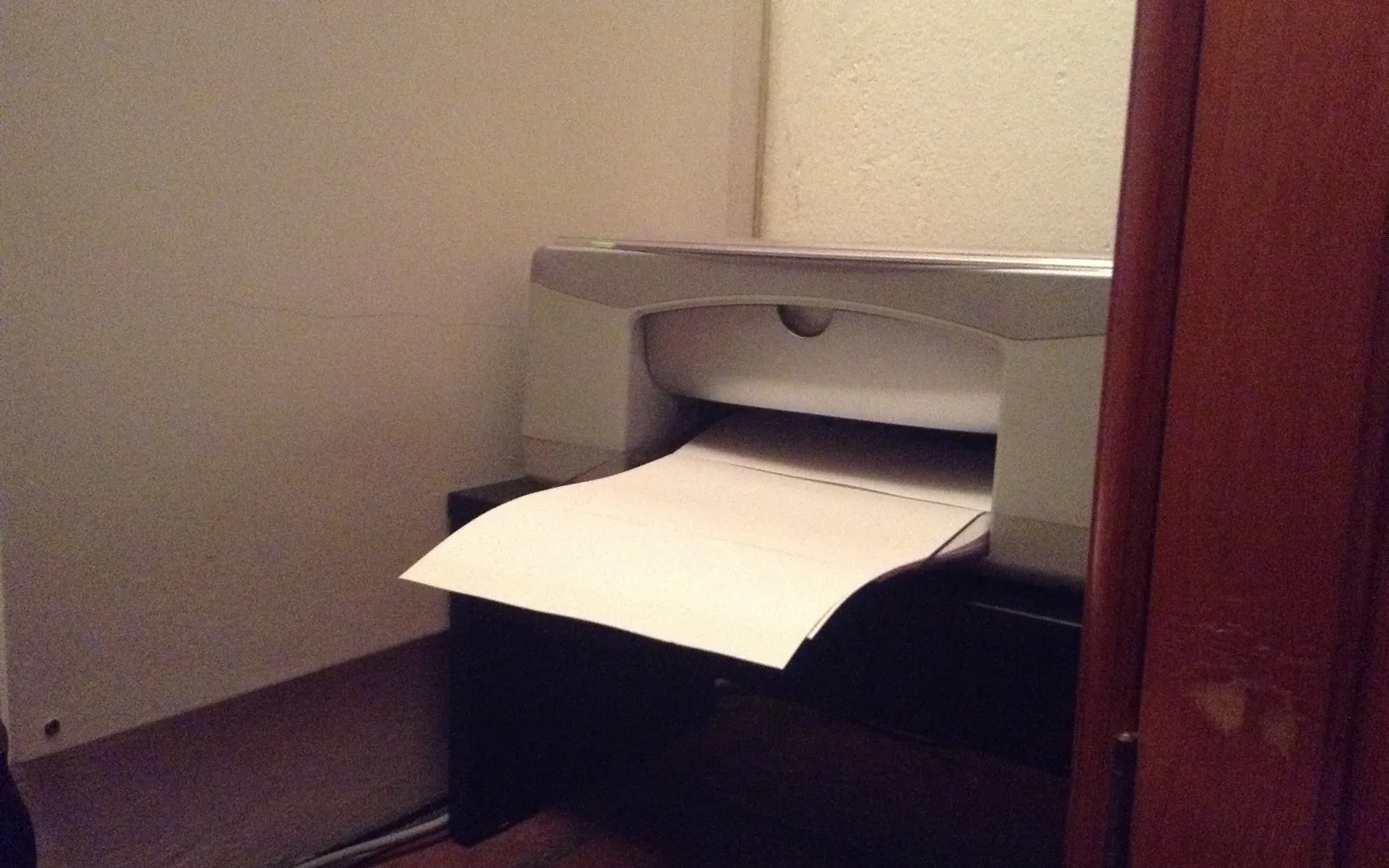
- 35
- Guides en français
- 3
- Langues
Pour commencer

- 01 Installer une imprimante sans CD : Windows, Mac et mobilesInstaller une imprimante sans CD ni lecteur de disque : pilotes intégrés à Windows 11, macOS et ChromeOS, téléchargement ou app du fabricant, étape par étape.
- 02 Accéder à l'interface web de l'imprimante par son adresse IPAccéder à l'interface web de l'imprimante : trouver son adresse IP, la saisir dans un navigateur, passer l'alerte de certificat et se connecter en admin.
- 03 Ajouter une imprimante avec PowerShell : port et piloteComment ajouter une imprimante avec PowerShell sous Windows 11 : préparer le pilote, créer un port TCP/IP, ajouter l'imprimante et la mettre par défaut.
Sujets
Parcourir par sujet
Step-by-step printer setup guides: unboxing, Wi-Fi, WPS and Wi-Fi Direct, adding a printer on Windows 11, Mac and Chromebook, iPhone and Android printing, scanning and sharing.
- 01Wi-Fi et réseauConnect a printer to Wi-Fi with the control panel, WPS or Wi-Fi Direct, wire it with Ethernet, and share one printer with every device on your network.
- 02OrdinateursStep-by-step guides to adding a printer and scanner on Windows 11, macOS and ChromeOS, plus fixes for driver errors that stop a printer from installing.
- 03MobilesSet up printing from an iPhone or iPad with AirPrint and from Android with the built-in print service or Mopria, without extra apps where possible.
- 04Par modèleUnboxing and first-time setup for a new printer, with independent walkthroughs for popular HP and Canon home models and their setup apps.
Derniers guides
Tous les guides
01
Installation uniquement
Nous expliquons comment mettre l'imprimante en service : connexion, ajout sur chaque appareil, numérisation.
02
Menus à jour
Les étapes suivent les noms de menus des versions actuelles de Windows 11, macOS, iOS et Android.
03
Indépendants
Nous ne sommes ni un fabricant ni un service d'assistance. Nous ne vous demanderons jamais de nous appeler.